Flight Simulator Landing Challenges
Start on final with the runway ahead of you. Fly the approach, come to a stop and see which parts of the landing earned your score out of 1,000.
Play OleoFlight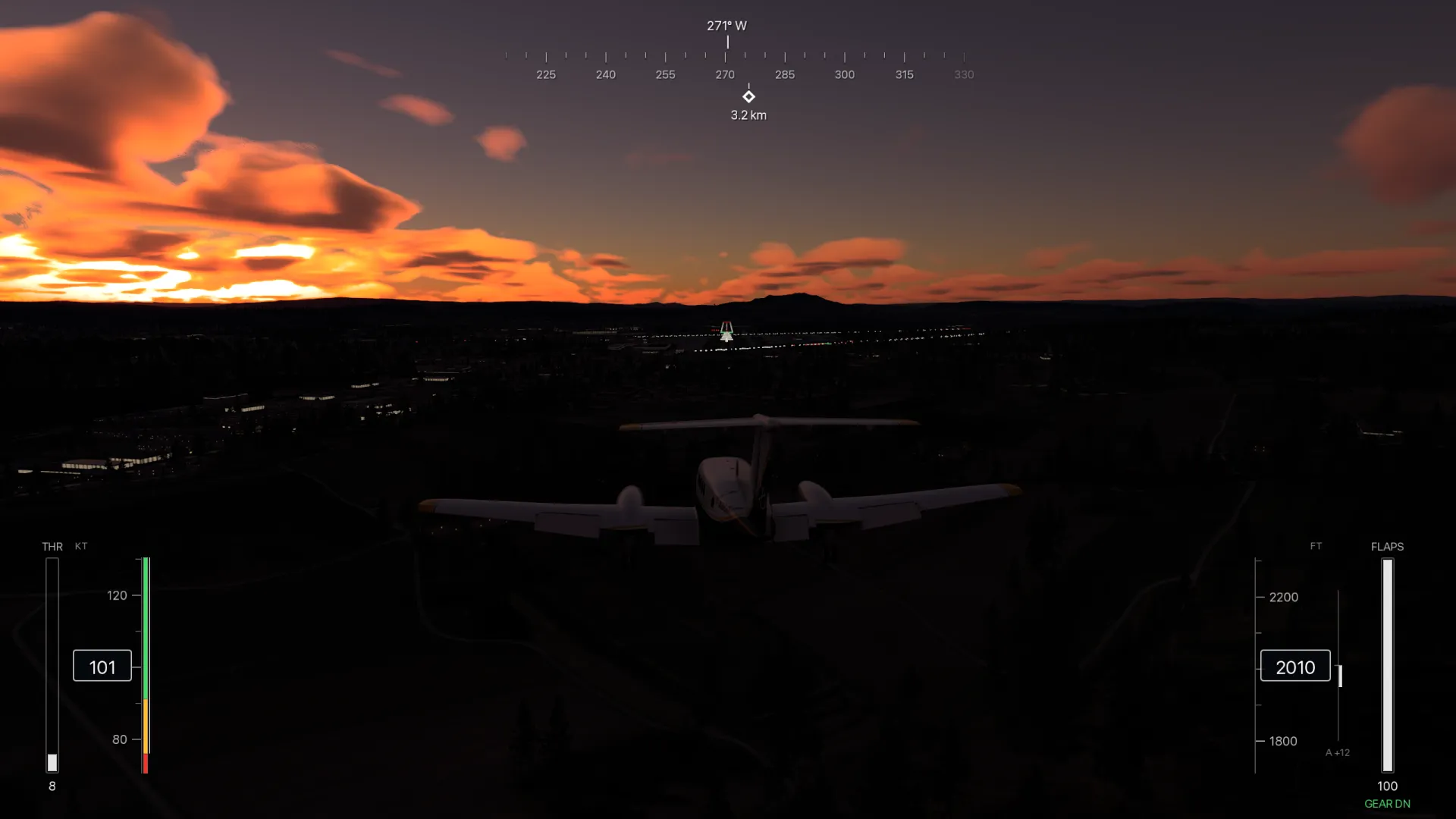
Set up an approach
- Open the map, select a Swiss airport such as Zurich (LSZH), and choose Landing Challenge. Free pilots can use Swiss airports. Pro adds airports worldwide.
- Pick a runway end and difficulty. Easy gives you mostly headwind, Medium brings a gusting crosswind, and Hard increases both the crosswind and gusts.
- Choose Day or, on eligible lit runways, Night. Select Fly the approach to start on final. You can also find featured runways under Landings in the pause menu.
Use the score to plan the next attempt
The score breaks down sink rate, aiming point, centreline and crab. If you touched down softly but drifted sideways, focus the next attempt on tracking the centreline. If touchdown was long, work on arriving over the threshold at a stable speed and descent rate.
Compare like-for-like landings
The wind is fixed for each runway end, difficulty and time of day. Each aircraft has its own board for those conditions, so you can repeat the same approach and compare your score with other pilots flying the same setup.